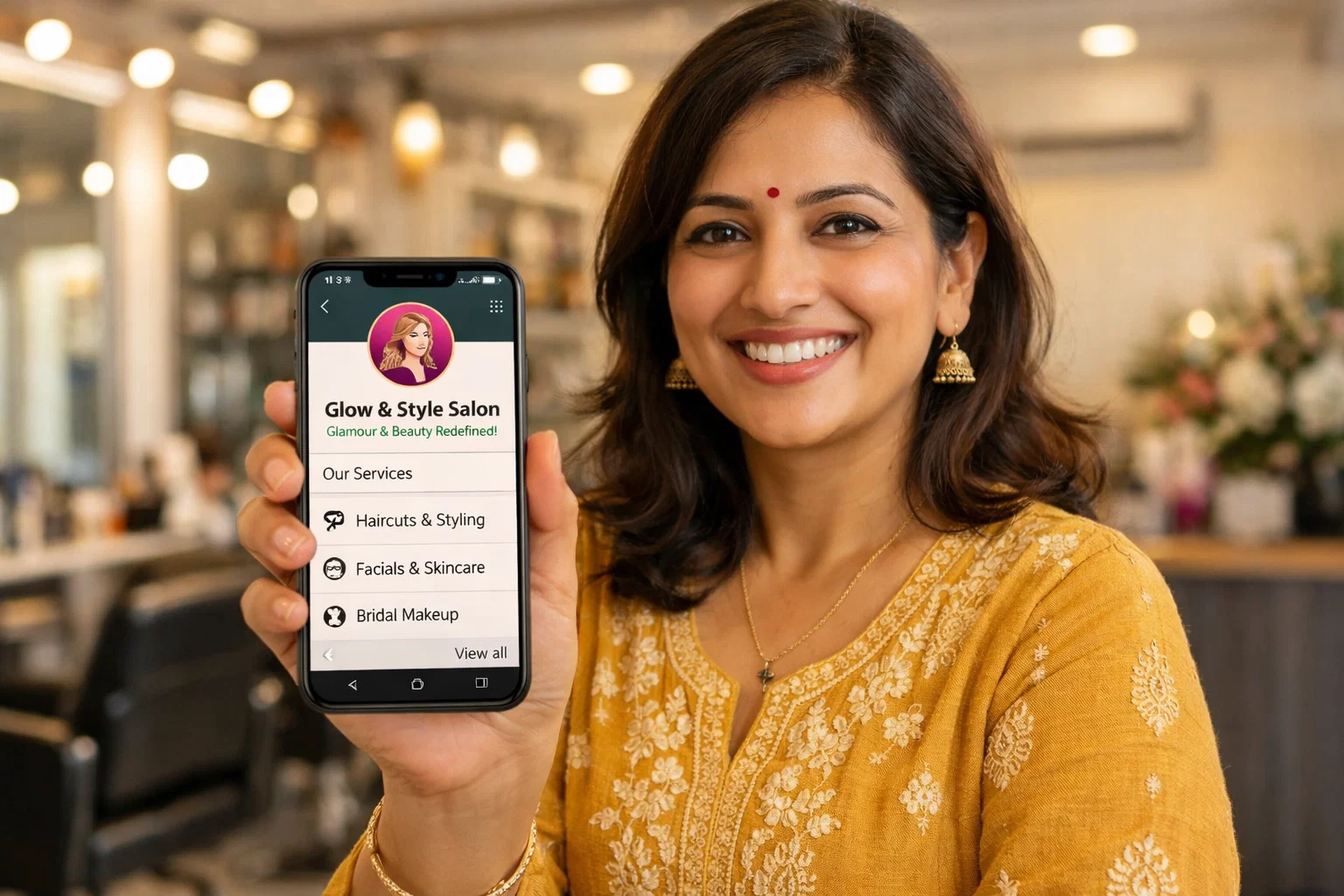
Your clients are on WhatsApp all day, every day. They book via WhatsApp. They ask prices via WhatsApp. They confirm appointments via WhatsApp. And when a salon does not respond quickly on WhatsApp, they move on to one that does.
Yet most salon owners are still using a personal WhatsApp number to manage bookings no business profile, no catalogue, no automation. Just an overwhelmed personal chat that mixes client queries with family messages.
WhatsApp Business is free. It takes 20 minutes to set up. And it is one of the most powerful tools available to grow your salon in India without spending a rupee on ads.
SET UP YOUR WHATSAPP BUSINESS PROFILE PROPERLY
Your WhatsApp Business profile is your digital business card. Make it work for you.
- Profile picture: Your salon logo — not a personal photo
- Business name: Your exact salon name
- Category: Beauty, Cosmetic & Personal Care
- Description: 2 sentences — what you offer and why clients choose you
- Address: Your exact salon location with Google Maps link
- Working hours: Set your actual hours so clients know when to expect a reply
- Website / Booking link: Add your Skhaira booking link here
A complete profile tells clients they are dealing with a professional business not someone's personal phone.
BUILD YOUR SERVICE CATALOGUE
WhatsApp Business has a free built-in catalogue feature that most salons never use.
Add your top 8 to 10 services with:
- A clear service photo
- Price in ₹
- Brief description (what's included, how long it takes)
When a client asks "what do you charge for hair colour?" instead of typing a long reply you simply share your catalogue link. Professional, instant, and impressive.
USE QUICK REPLIES TO SAVE HOURS EVERY WEEK
Quick Replies let you save your most common responses and send them with a single shortcut.
Set up these quick replies immediately:
| Shortcut | Message Sent |
| /price | Your service catalogue link |
| /book | Your Skhaira booking link |
| /hours | Working hours + address |
| /confirm | Appointment confirmation message |
| /cancel | Your cancellation policy |
A client asks for prices? Type /price. A client wants to book? Type /book. What used to take 3 minutes of typing takes 3 seconds. Multiply that across 20 daily enquiries and you save hours every week.
SET UP AUTOMATED GREETING AND AWAY MESSAGES
Never miss an enquiry even when you are busy or closed.
GREETING MESSAGE (sent when a new client messages you for the first time):
"Hi! Welcome to [Salon Name] 💛 We are so glad you reached out. To book an appointment: [Skhaira link]. To see our services and prices: [catalogue link]. We will reply shortly!"
AWAY MESSAGE (sent outside business hours):
"Hi! We are currently closed but we will reply first thing tomorrow morning. In the meantime, you can book your appointment anytime here: [Skhaira link] 🙏"
These two messages run automatically 24 hours a day converting enquiries into bookings even while you sleep.
USE BROADCAST LISTS TO FILL EMPTY SLOTS
A WhatsApp Broadcast lets you send one message to hundreds of opted-in clients simultaneously — without creating a group.
Use broadcasts for:
- Filling slow weekday slots: "We have 3 openings this Tuesday — grab one: [link]"
- Seasonal promotions: "Diwali special — 20% off all colour services this week 🪔"
- New service launches: "We now offer Olaplex treatments — book your first session: [link]"
- Win-back messages: "Hi [Name], we miss you! Come back this month for a complimentary scalp massage 💛"
Important: Only broadcast to clients who have your number saved. Send maximum 2 broadcasts per week to avoid being muted or blocked.
CONNECT WHATSAPP WITH SKHAIRA
The real power comes when WhatsApp and Skhaira work together automatically.
Every time a client books through Skhaira:
- Instant WhatsApp booking confirmation sent
- 24-hour reminder sent automatically
- 2-hour reminder sent automatically
- Post-visit follow-up with rebooking link sent
- Birthday message with reward sent on their birthday
- Win-back message sent if they have not returned in 45 days
You set it up once. It runs forever. Your clients feel looked after without you sending a single message manually.